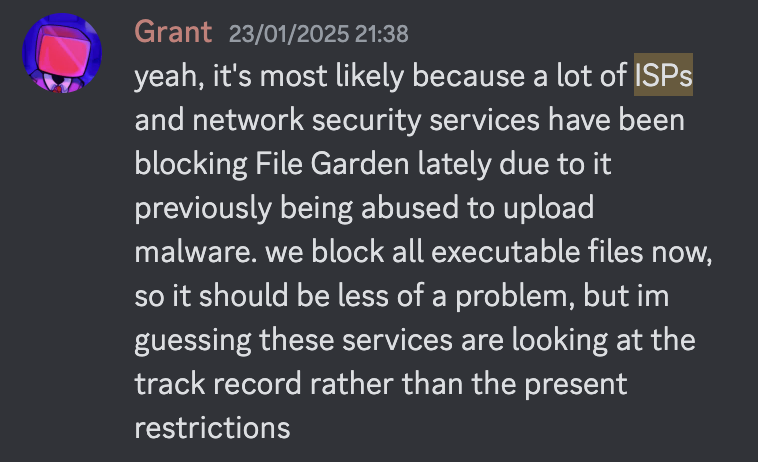
Log in or Sign Up with an email address:

If you need to Sign Up, you will need to enter your email address, create a username, as well as enter a birthdate. It doesn't have to be your real one, but it should follow the YYYY-MM-DD format, e.g.:

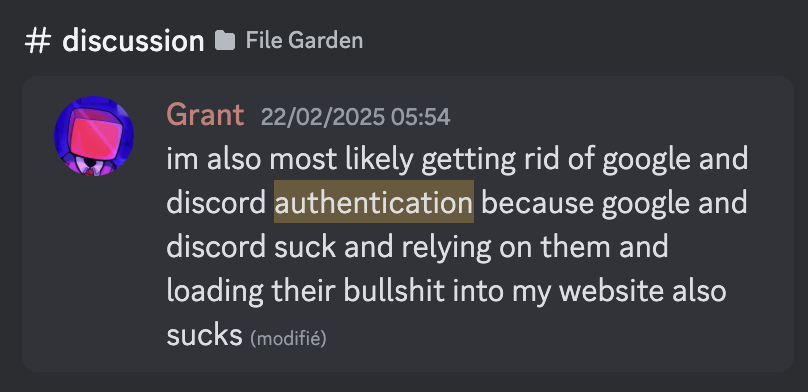
For the login method, choose Password. The Google and Discord sign-in methods will be removed soon (source).

After creating a password, you will be sent a verification email:
![[Image ID: Screenshot of an email titled “File Garden - Verify Email” with the subject “Click the following link to verify your FIle Garden account.” /end ID]](attachment:6119d28a-2961-44d7-8767-23561a005763:image.png)
[Image ID: Screenshot of an email titled “File Garden - Verify Email” with the subject “Click the following link to verify your FIle Garden account.” /end ID]